How to Choose the Right Portable Power Station for Your Needs?
Struggling to pick a portable power station1 that won't leave you powerless when you need it most? You're not alone.
Choose a portable power station1 by evaluating your power needs (watt-hours2), required output (AC/DC ports3), and preferred features like solar charging[^4] or fast recharge times[^5] for optimal off-grid performance.
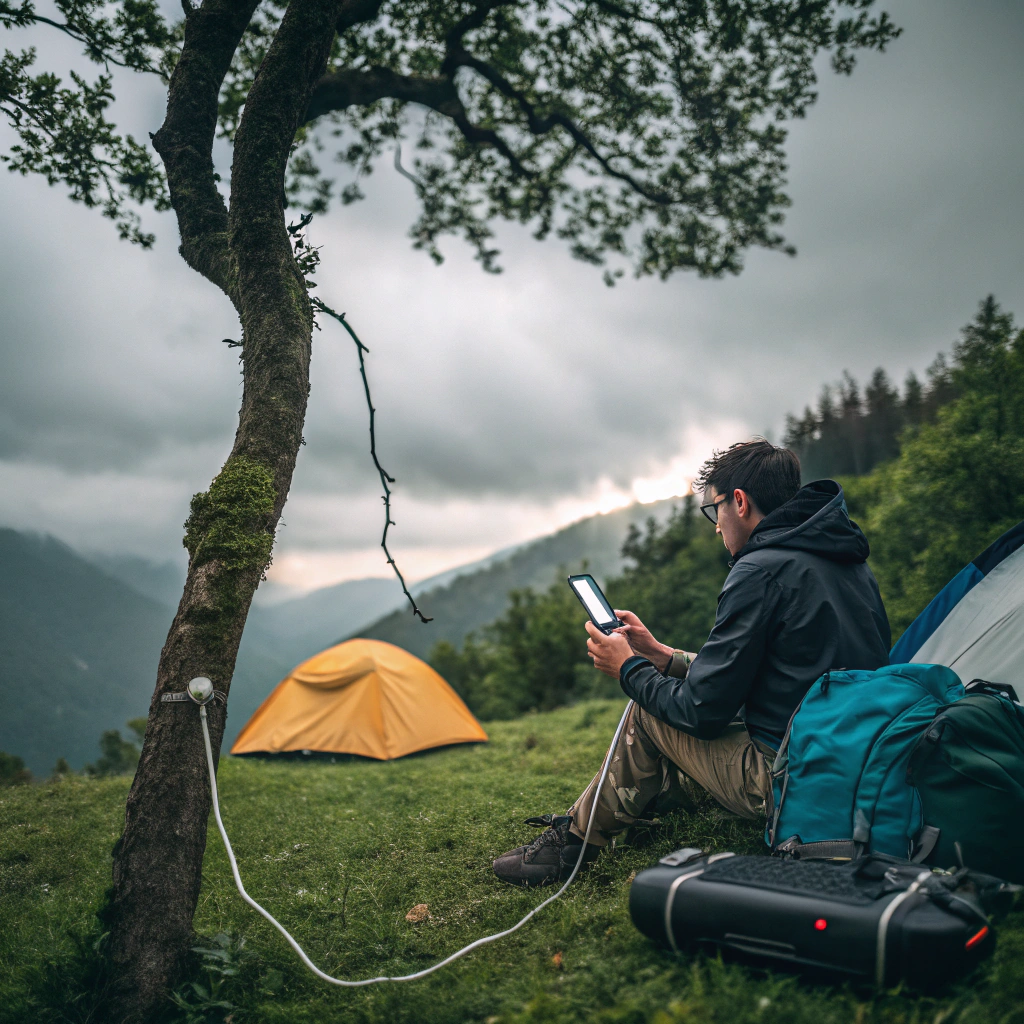
With so many options flooding the market, it's easy to feel overwhelmed. But just like packing the right gear for a camping trip, selecting your perfect power station comes down to understanding a few key specifications. Let me walk you through the decision-making process I wish I'd known when buying my first unit.
Capacity, Output, Ports — A Beginner-Friendly Buying Guide
Ever plugged in your devices only to watch your power station die prematurely? Capacity misunderstandings are the #1 buyer's regret.
Power station capacity (measured in watt-hours2) determines runtime, while output (watts) dictates what devices you can power. More ports mean simultaneous charging, but require higher capacity to maintain performance.
Understanding Your Power Needs
When I bought my first 150Wh power station for weekend camping, I learned the hard way that my CPAP machine needed 300Wh nightly. Now I always:
- List all devices you'll power
- Note their wattage requirements
- Calculate total daily watt-hours2 needed
- Add 20% buffer for efficiency loss
| Device | Watts | Hours Used | Daily Wh |
|---|---|---|---|
| Smartphone | 10W | 4 | 40Wh |
| Mini Fridge | 50W | 24 | 1200Wh |
Output Ports Demystified
The ports puzzle confused me until I realized:
- AC outlets power standard electronics (laptops, small appliances)
- USB-C PD fast-charges modern devices (MacBooks, Galaxy phones)
- DC5521 runs specialty gear (CPAPs, camping lights)
Pro Tip: Look for pure sine wave AC output if powering sensitive electronics like medical equipment or gaming PCs.
Capacity vs. Portability Trade-off
My golden rule? Every 100Wh adds about 1.5lbs. For backpacking, I stay under 300Wh. For car camping, I'll haul 1000Wh. RV users often need 2000Wh+.
Lithium-ion vs LiFePO₄ — What's the Difference in Portable Power Stations?
Worried about your power station dying after just 300 cycles? Battery chemistry makes all the difference.
LiFePO4[^6] batteries last 4-5x longer (2000+ cycles) than lithium-ion (500 cycles) and operate safely in extreme temps, but cost 30% more upfront and weigh slightly more per Wh capacity.
The Battery Longevity Factor
After replacing my lithium-ion station after 18 months, I switched to LiFePO4[^6]:
| Feature | Lithium-ion | LiFePO4[^6] |
|---|---|---|
| Cycle Life | 500 | 2000+ |
| Temp Range | 32-113°F | -4-140°F |
| Weight (per 100Wh) | 1.8lbs | 2.1lbs |
| Cost (per 100Wh) | $80 | $110 |
Safety Considerations
LiFePO4[^6]'s thermal stability gives me peace of mind when:
- Leaving in hot cars
- Charging in freezing temps
- Running high-draw devices continuously
When to Choose Each Type
Go lithium-ion if:
- Need maximum portability
- On a tight budget
- Replace tech frequently
Choose LiFePO4[^6] if:
- Want "buy it for life" durability
- Need extreme weather performance
- Hate battery degradation
Fast Charging, Solar Charging, Multi-Output — Which Features Matter Most?
Tired of waiting 8+ hours to recharge your power station? Modern charging options change everything.
Fast charging (0-80% in 1-2 hours) is most valuable for frequent users, while solar charging[^4] suits off-grid adventurers. Multi-device charging becomes essential when powering workstations or family camping gear.
Charging Speed Showdown
After testing various models:
| Charging Method | Time for 500Wh | Best For |
|---|---|---|
| Wall Outlet (60W) | 9 hours | Overnight home charging |
| Fast Charge (200W) | 2.5 hours | Between work shifts |
| Solar (100W) | 6-8 hours | Off-grid locations |
| Car Charger (80W) | 7 hours | Road trip pit stops |
Solar Charging Realities
My desert camping test revealed:
- 100W panel adds 400Wh on sunny days
- Foldable panels are portable but fragile
- Built-in MPPT controllers optimize efficiency
Simultaneous Device Management
The magic number? 6+ outputs for:
- Laptop (AC)
- Phone (USB-C)
- Tablet (USB-A)
- Camera (USB-A)
- Fan (DC)
- Light (DC)
Conclusion
Match your power station to actual needs—capacity for runtime, chemistry for longevity, and features for convenience—to avoid overpaying for unused capabilities or coming up short when it matters most.
Explore this link to find top-rated portable power stations that suit your camping needs. ↩
Understanding watt-hours is crucial for selecting a power station; this resource explains their impact on performance. ↩
Learn about the various AC/DC ports available in power stations to ensure compatibility with your devices. ↩